FFkit
©2026
- Product Design
- Development
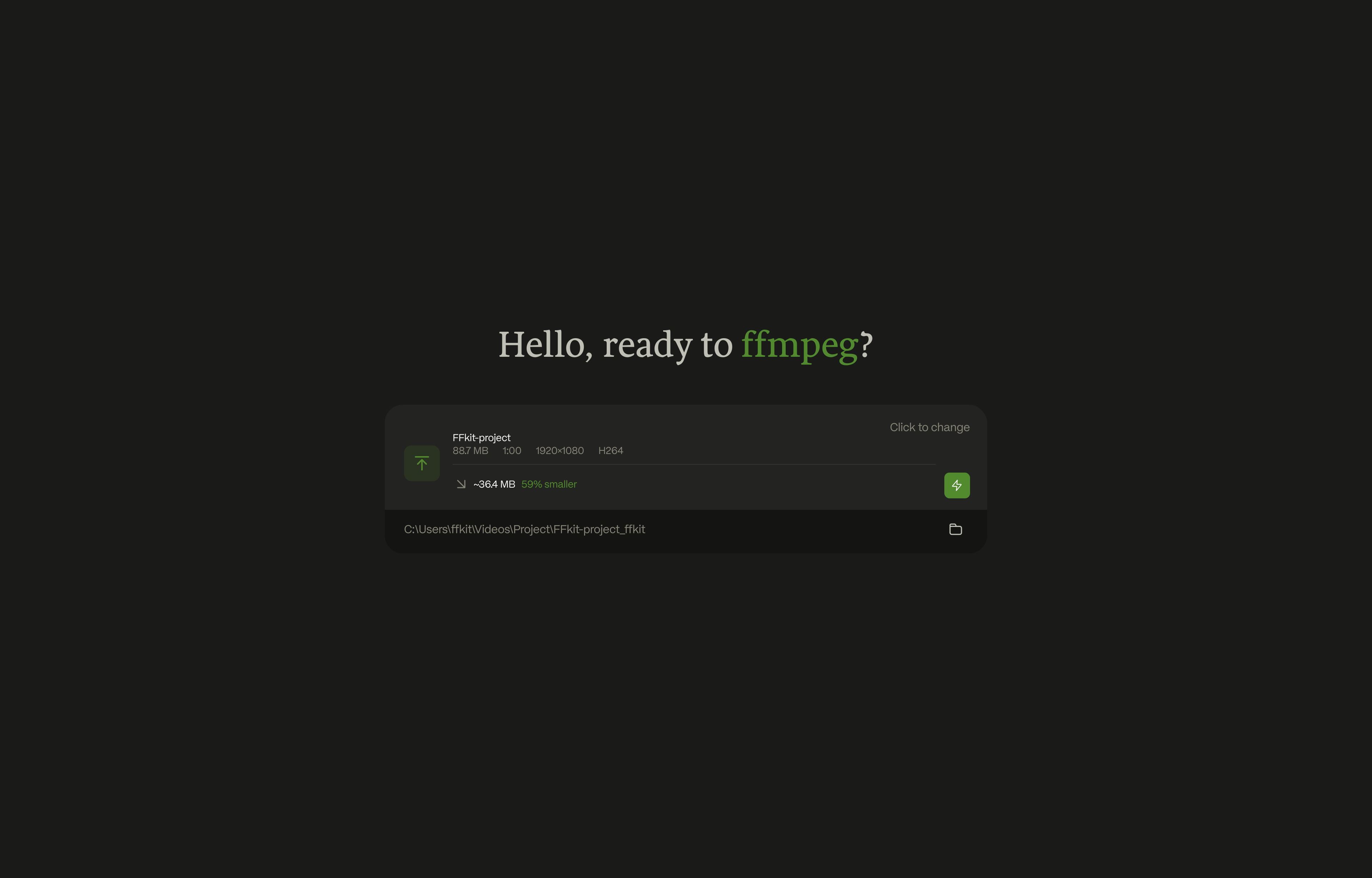

FFmpeg, finally clickable


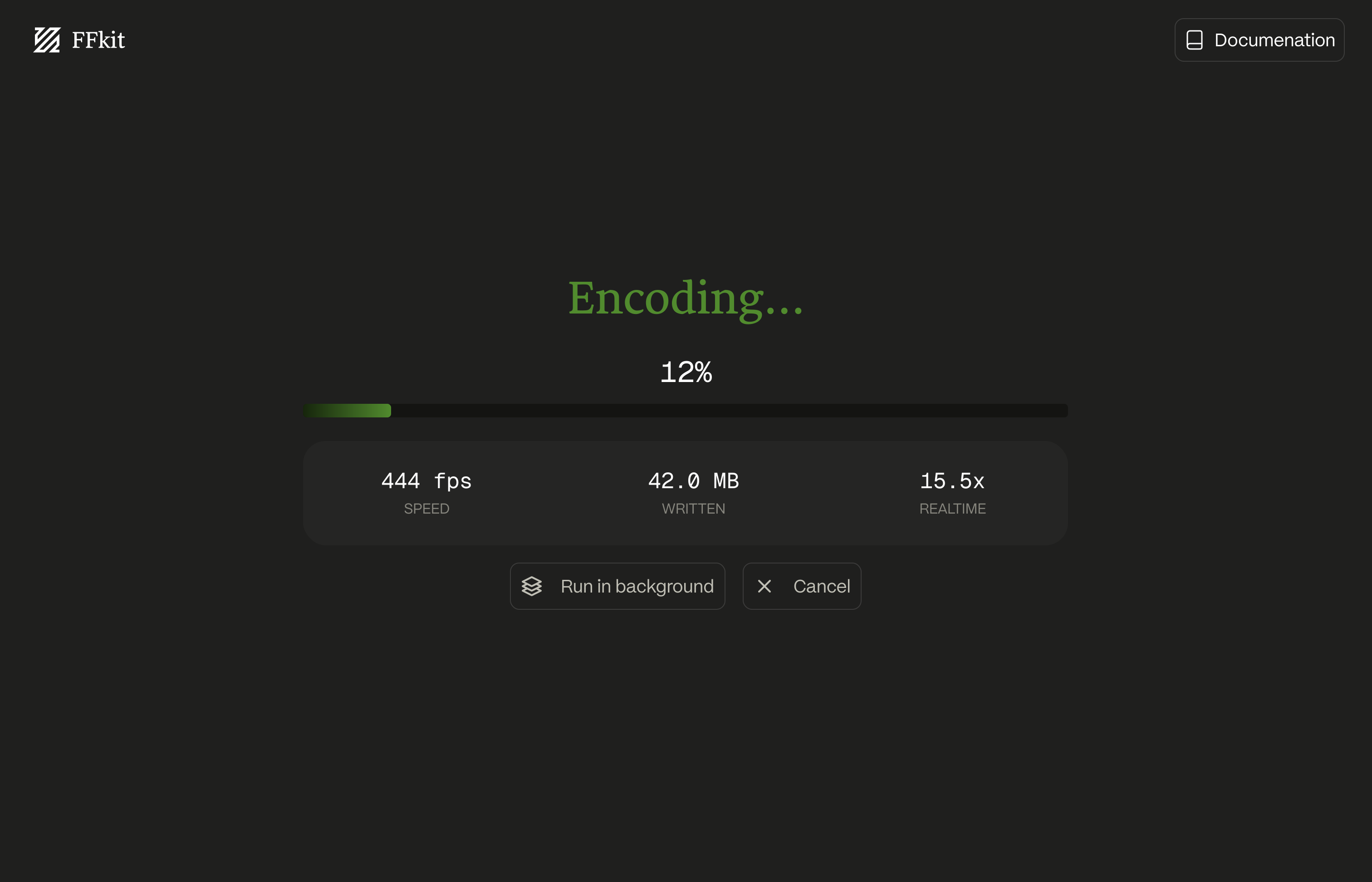

FFkit is a free, open-source desktop app I built in 2026 that puts a clean interface on FFmpeg for compressing and converting video. FFmpeg can do almost anything with a video file, but it's a command-line tool, so most people end up uploading personal footage to some random « free online converter » instead. That trade-off never made sense to me: the computer already has everything it needs to do the job, instantly and offline.
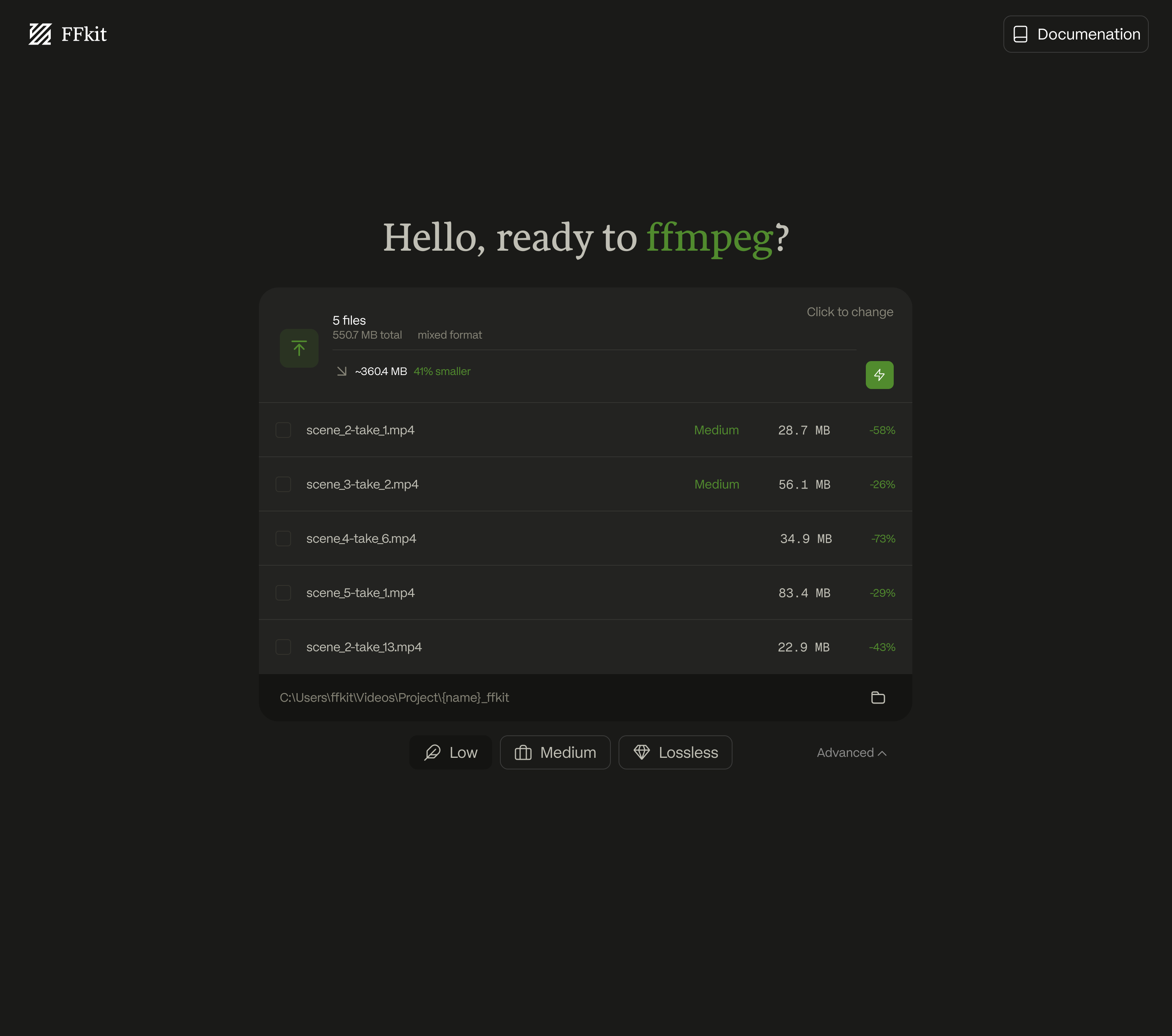
I built FFkit natively for Windows, macOS and Linux with Tauri and Rust rather than Electron, bundling a real FFmpeg binary as a sidecar so it never touches whatever's already on the system. It opens onto two doors into the same engine — a three-button Simple mode for anyone, and an Advanced mode with the full raw command line, generated live and copy-pasteable, for people who want every flag. Everything runs locally: no upload, no account, no server ever sees the file. I released it under GPL-3.0 rather than a permissive license, on purpose — it bundles GPL-licensed FFmpeg, so it keeps the project free for good, since anyone shipping a modified version has to release their source too.

v1.7.0 · released 31 Aug 2026
- v1.7.0Meet your GPU — FFkit finally knows what it's running on31 Aug 2026
- v1.6.0FFkit for the WORLD - Welcome Linux and macOS!07 Jul 2026
- v1.5.0Batch processing, estimations and user presets !01 Jul 2026
- v1.4.0Hello, ready to Baguette?14 Jun 2026
- v1.3.2A patch release fixing two visible bugs07 Jun 2026
- v1.3.1A patch release: smaller, version-pinned FFmpeg in the installer, plus CI fixes.06 Jun 2026

